Emergency Smartphone Recovery Protocol: What to Do Immediately
Losing a smartphone entails not only hardware replacement costs, but severe digital identity risks. Modern handsets store bank accounts, UPI credentials, two-factor authentication (2FA) SMS codes, private photos, and personal correspondences. Following a structured emergency response protocol within the first 60 minutes dramatically improves your odds of device recovery and secures your accounts.
- Step 1: Do Not Call Repeatedly: If stolen, calling alerts the thief to switch off the phone immediately or discard the SIM. Instead, trigger remote ringing via official Find My portals.
- Step 2: Suspend SIM Card Within 30 Minutes: Call your mobile operator (Jio, Airtel, Vi, BSNL) to freeze outgoing/incoming SMS to block bank OTP interception. Consult our SIM card information guide.
- Step 3: Block IMEI on CEIR: Blacklist the phone's 15-digit hardware IMEI at ceir.gov.in so it cannot connect to any Indian telecom network. Validate your IMEI first with our IMEI Luhn checker.
- Step 4: Remotely Sign Out Accounts: Revoke active sessions in your Google, Apple ID, WhatsApp, and banking applications from a secondary computer.
How Official Device Recovery Services Work
Genuine smartphone recovery relies on device-level operating system integration rather than phone numbers:
-
Google Find My Device (Android): Communicates with Google Play Services installed at system level. From
android.com/find, you can view the handset's live GPS location, play sound at 100% volume for 5 minutes (even if set to silent), lock the device with a PIN and return message, or remotely erase all personal storage. - Apple iCloud Find My (iPhone / iPad / Mac): Utilizes hardware-level encryption and crowdsourced Bluetooth beacons. Even if an iPhone is turned off or has its SIM removed, nearby Apple devices securely and anonymously relay its encrypted beacon coordinates to your iCloud account.
Why a Phone Number Alone Cannot Locate a Device
A phone number is a telecommunications subscriber address defined by ITU-T E.164. It is not a GPS transmitter. If a phone is lost or powered off, dialing the number merely connects to your mobile carrier's Home Location Register (HLR) or voicemail. To pinpoint physical latitude and longitude, the device must actively execute internal GPS satellite calculations and transmit them over Wi-Fi or mobile data via authorized accounts. Try our mobile number tracker demo to understand how numbering series metadata functions.
How Our Lost Phone Simulator Works
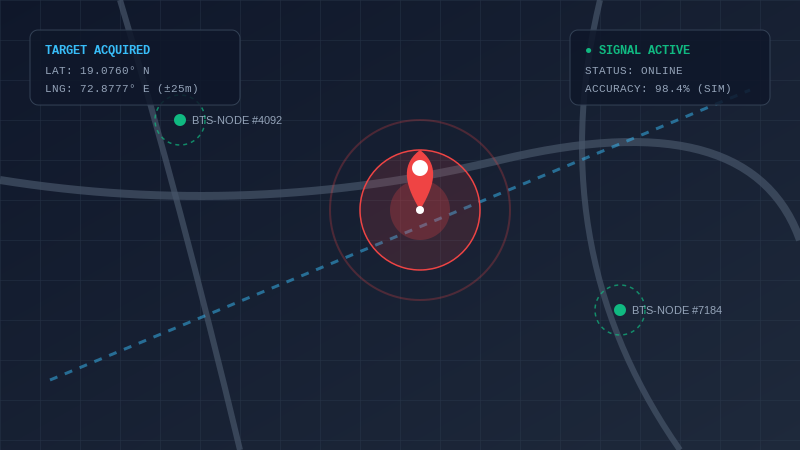
This web page provides a simulated recovery environment. When you click Play Remote Ring Sound or Trigger Emergency Siren, your web browser's native Web Audio API synthesizes realistic audio waveforms locally. The vector map radar randomly animates coordinates to demonstrate what genuine manufacturer dashboards look like. No remote hardware connections are made, ensuring complete safety and zero data collection.
Essential Phone Recovery & Physical Safety Tips
⚠️ Critical Personal Safety Notice:
If your tracking portal indicates your phone is in an unfamiliar private building or moving in a vehicle, NEVER attempt to confront suspected thieves yourself. Share the live GPS coordinates, police e-FIR report, and device IMEI directly with local police officers. Confronting suspects alone poses severe physical danger.
Frequently Asked Questions (FAQ)
Recent iPhones running iOS 15 or later with the Find My network enabled can be located for several hours even when powered down via Bluetooth low energy beaconing to nearby Apple devices. Modern Android devices connected to Google's updated Find My Device network also support offline beaconing for compatible hardware. For other devices, the service reports the last known GPS location before shutdown.
A phone number is an ITU-T E.164 telecommunications routing string, not an active transmitter. Locating physical hardware requires an internal GPS chip, Wi-Fi radio, or cellular base station connection linked to the device's operating system credentials (Google Account or Apple ID).
Google Find My Device communicates with Google Play Services installed on Android phones. When requested from android.com/find, Google servers ping the device over mobile data or Wi-Fi to retrieve real-time GPS coordinates, trigger full-volume ringing, lock the screen with a custom message, or remotely factory-reset user data.
Apple's Find My app uses end-to-end encrypted crowdsourced Bluetooth telemetry across hundreds of millions of Apple devices. Even if an iPhone has no cellular SIM connection, nearby Apple devices pick up its secure Bluetooth beacon and anonymously relay its encrypted coordinates to your iCloud account.
The Central Equipment Identity Register (CEIR) is an initiative by the Department of Telecommunications (DoT), Government of India. Citizens can visit ceir.gov.in to blacklist the 15-digit IMEI of lost or stolen devices, rendering the handset unusable across all Indian telecom networks (Jio, Airtel, Vi, BSNL) even if a new SIM card is inserted.
Modern iOS and Android smartphones feature full-disk hardware encryption (Secure Enclave / Titan security chips). A thief cannot read personal photos, emails, or messages without your passcode or biometrics. However, they might remove your SIM card to attempt 2-factor OTP interception, which is why immediate carrier SIM suspension is vital.